Speed that escalates
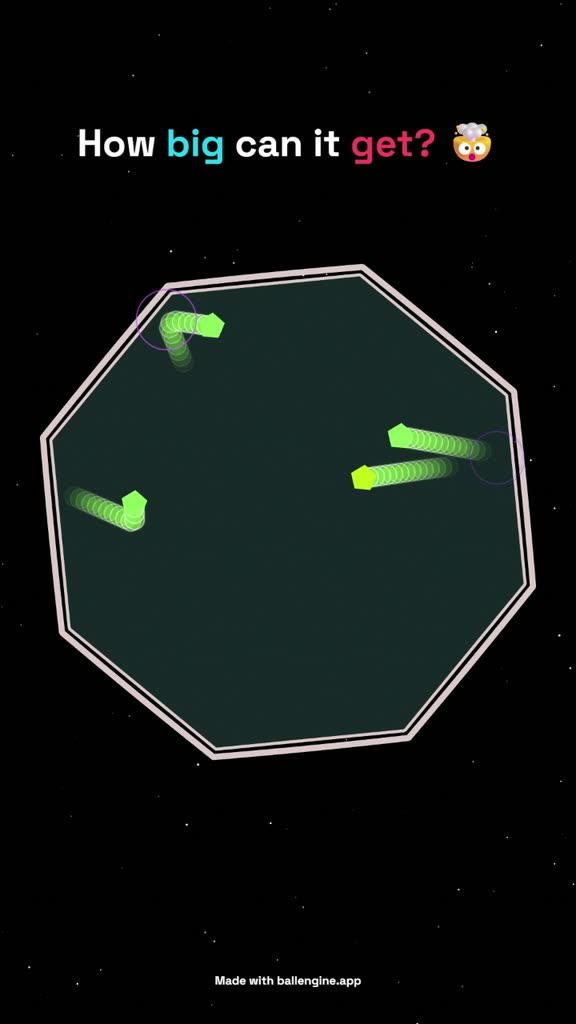
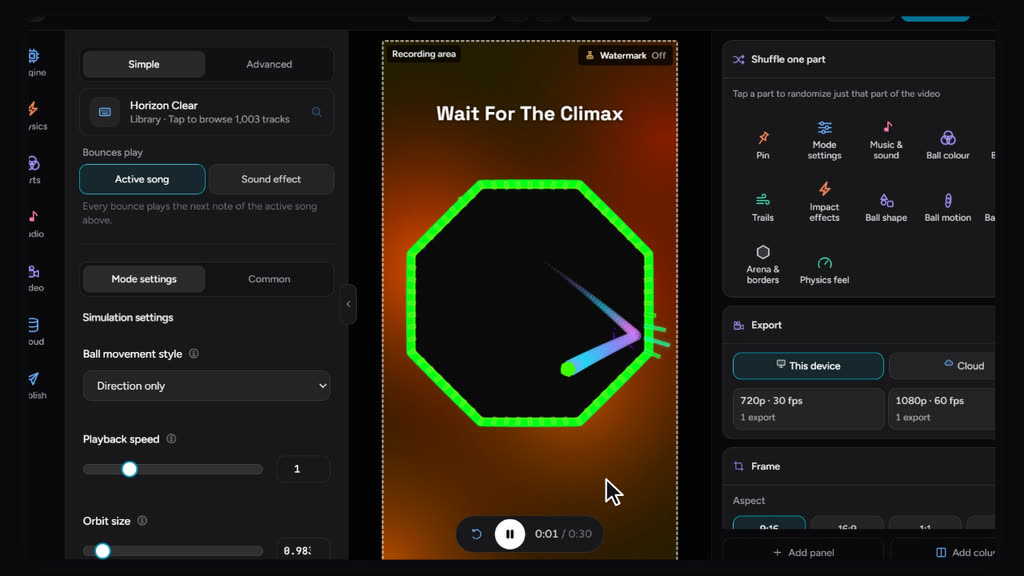
Set a starting speed and a build-up rate so a run gets faster as it plays. This is what keeps a loop watchable past the first few seconds.
Set the physics, pick a container, press record. A bouncing ball simulator in your browser, made for short-form video.
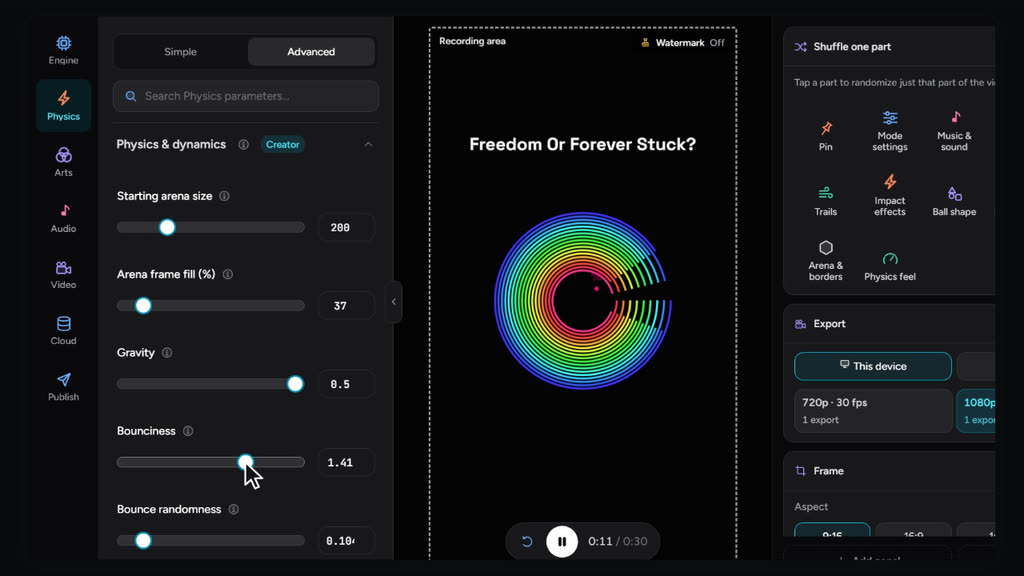
Gravity, bounciness, bounce randomness and ball weight are plain numeric fields. Change one, watch the run change immediately.
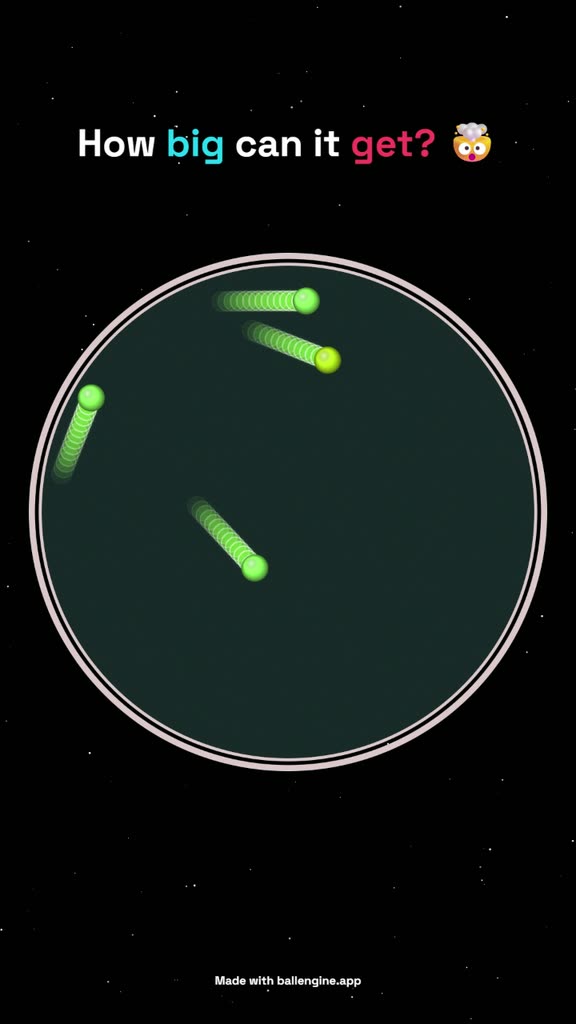
Accumulate lets one ball become hundreds at a steady pace, with a Max balls cap so the frame stays readable.
Collisions drive note playback from a MIDI file or a song, so the sound is generated by the simulation rather than laid over it in an editor.
Set a starting speed and a build-up rate so a run gets faster as it plays. This is what keeps a loop watchable past the first few seconds.
The canvas is 9:16 from the start. No cropping step, no letterboxing, no reframing a square render for a phone.
It runs in the browser on WebGL. There is a desktop build if you want one, but it is not required to export a finished video.
Store a look you like and reload it later. Consistency across uploads matters more for a channel than any single clip.
Speed build-up, size growth and population caps exist as first-class settings because a run that stays at one intensity loses viewers partway through.
Each mode has its own rules for how the balls move: rings to escape, balls that multiply, songs played by bounces, 3D marble runs and more. 18 are released today, and more 2D and 3D modes are in development.
A first export takes a few minutes. These are the steps in the order the studio presents them.
Start from Accumulate if you want balls to multiply, or Escape if you want a single ball working its way out of rotating rings. The mode sets which rules are active before you touch anything else.
Choose the arena shape and its starting size. A tighter arena produces more collisions per second, which reads as more energetic but also more chaotic.
Gravity runs from 0 to 0.5 and bounciness from 0 to 2.0. Values above 1.0 add energy on every impact, so the run accelerates on its own without any speed settings.
Attach a MIDI file or a song and each collision advances to the next note. Silent physics clips underperform against the same clip with audio mapped to impacts.
Render to a vertical 9:16 file at up to 4K. The export runs off the main thread, so the preview stays responsive while it works.
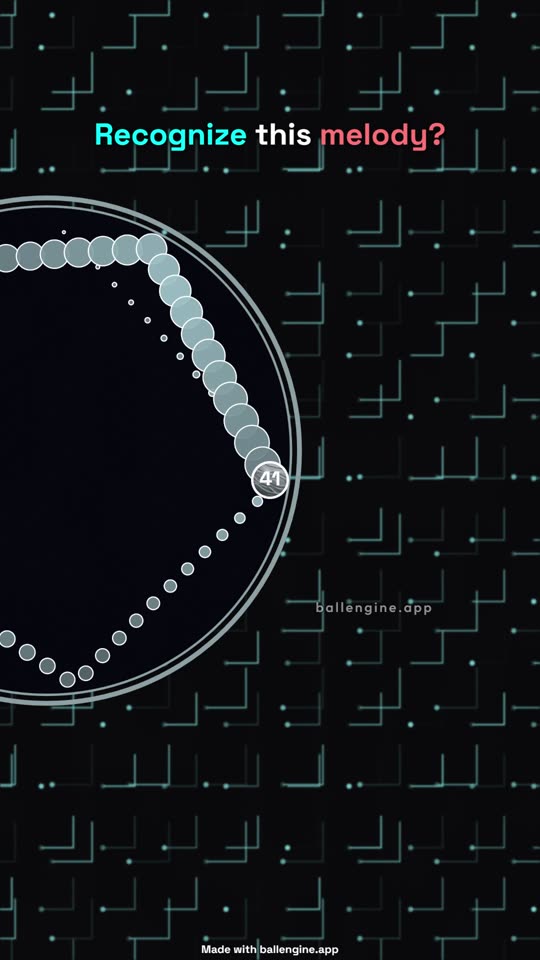
Every bounce plays the next note
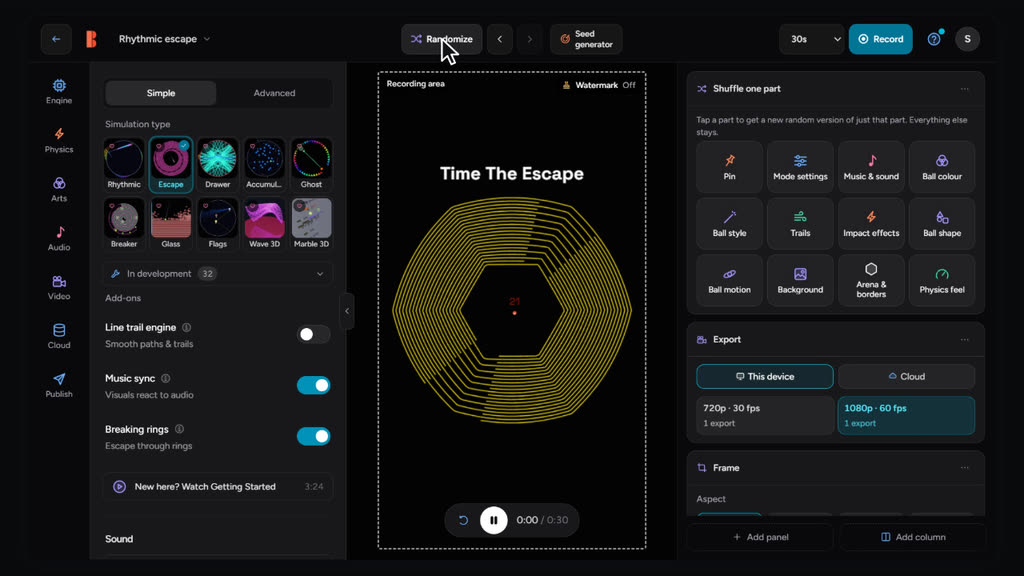
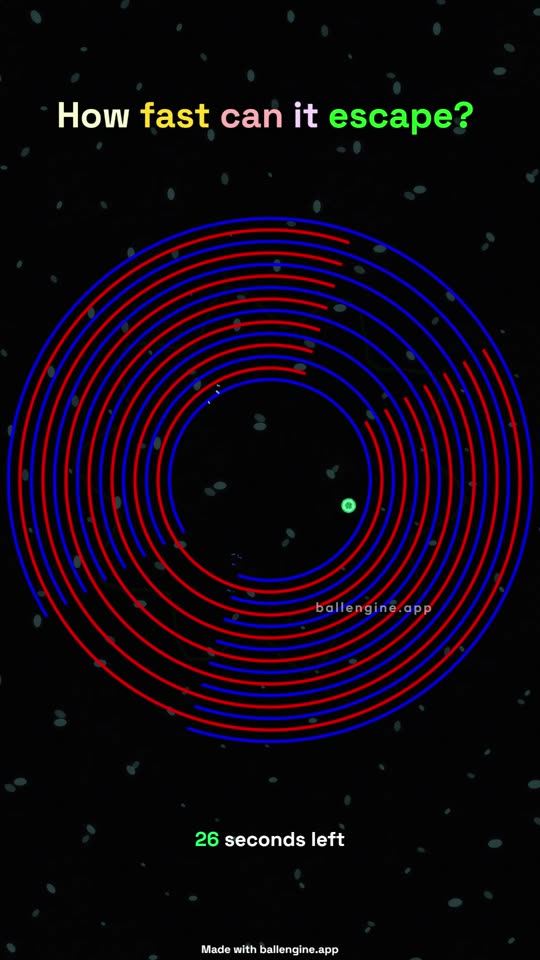
Break out through the rings
The ball paints as it moves
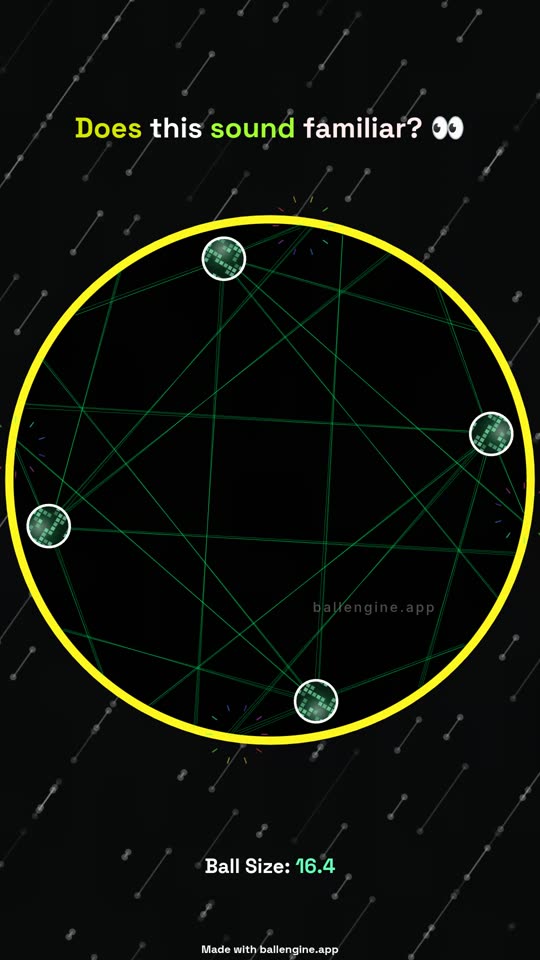
One ball becomes hundreds
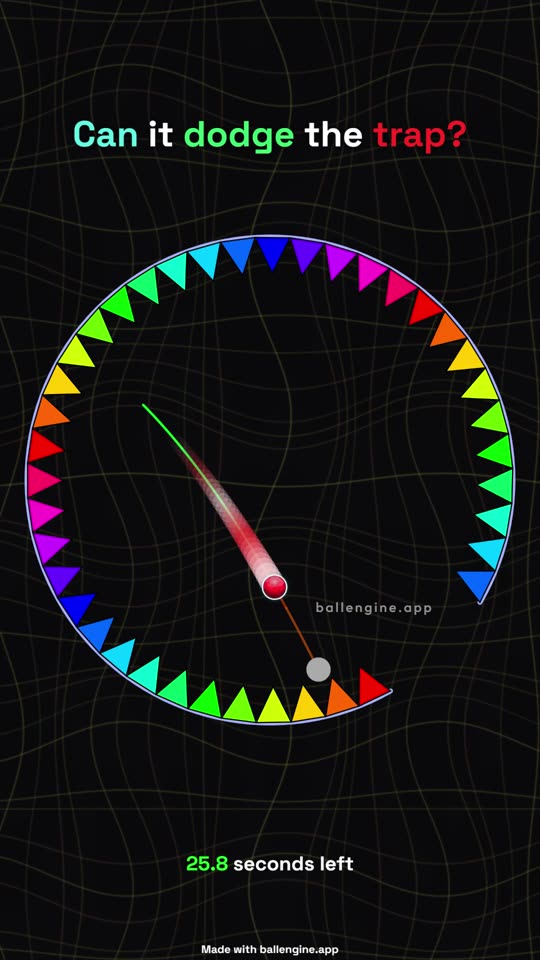
Find the gap, dodge the spikes
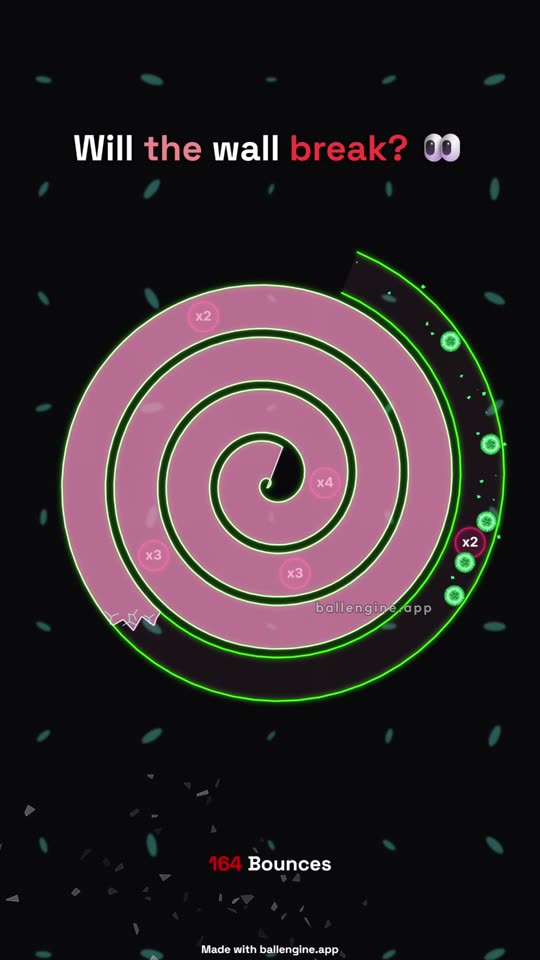
Smash the spiral apart
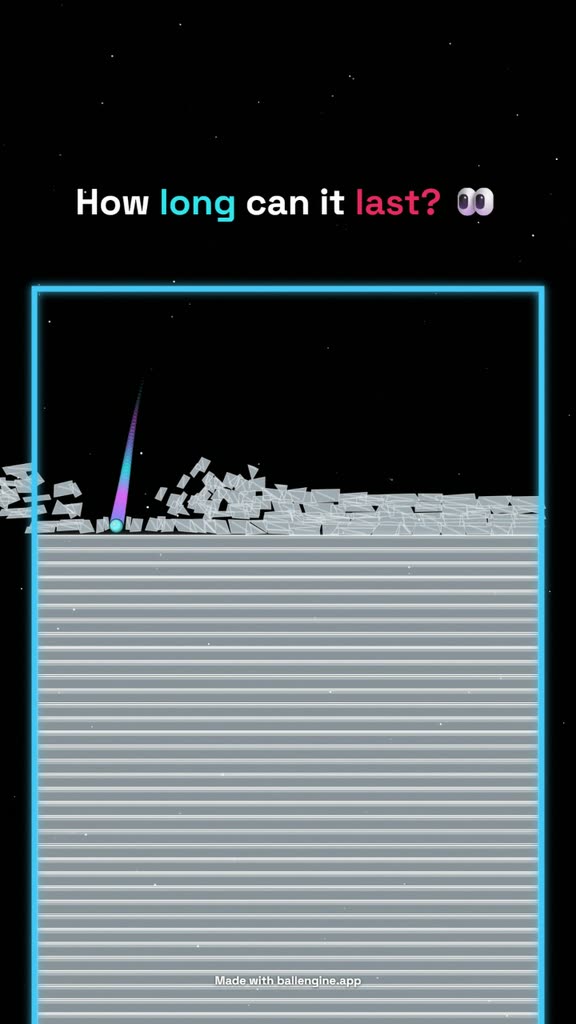
Shatter a tower of glass plates
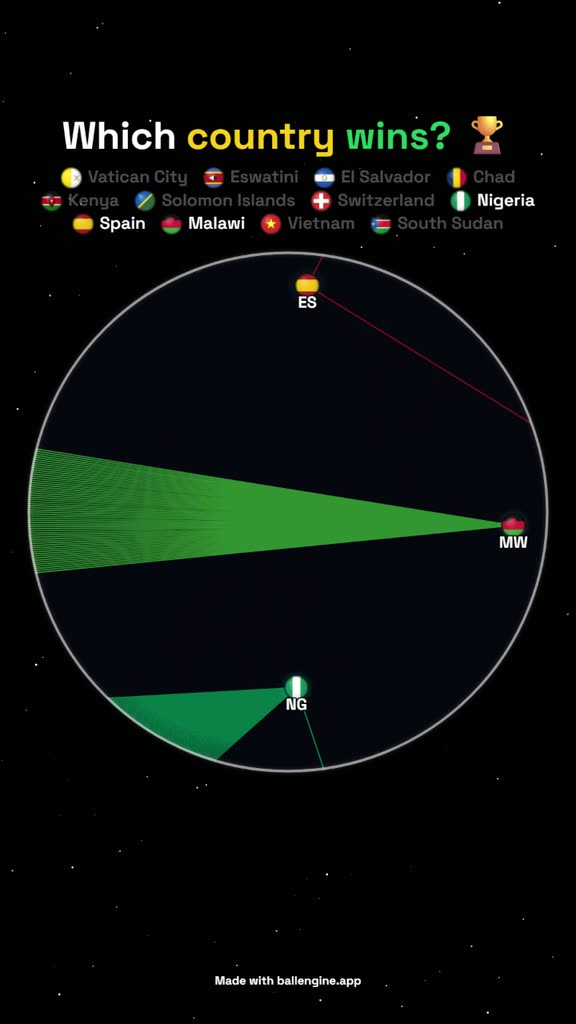
Country flags battle down to one winner
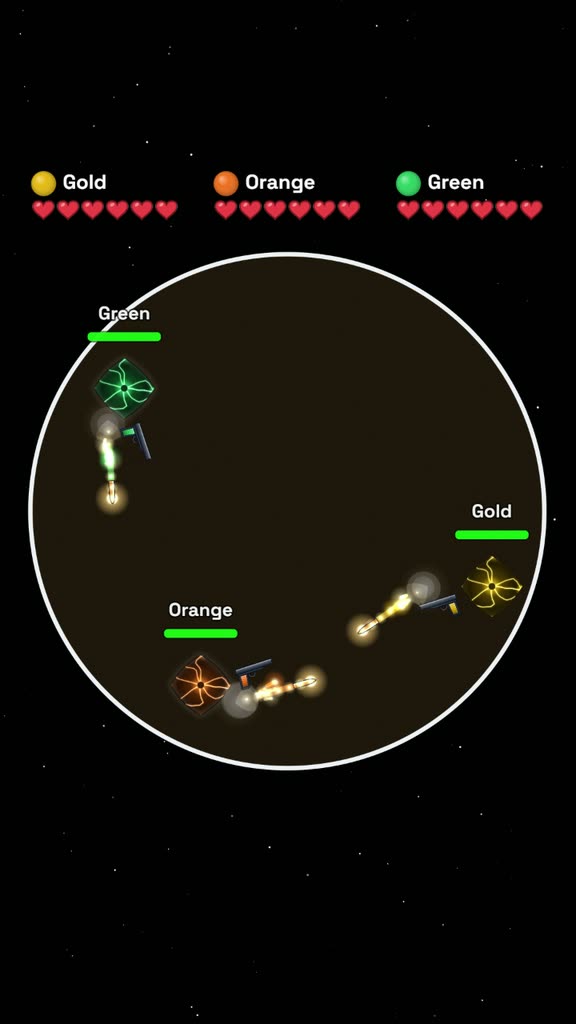
Armed balls fight to the last
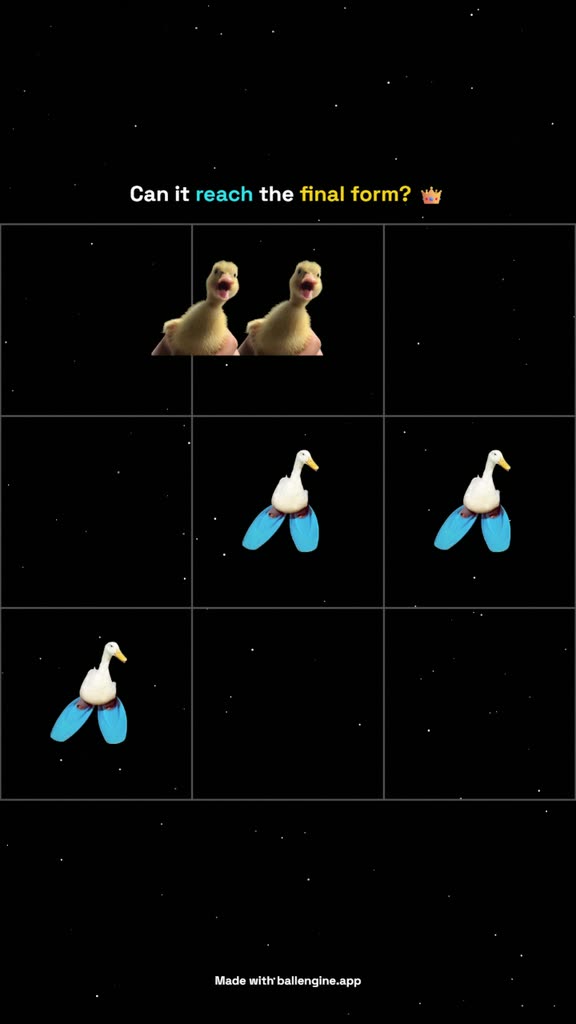
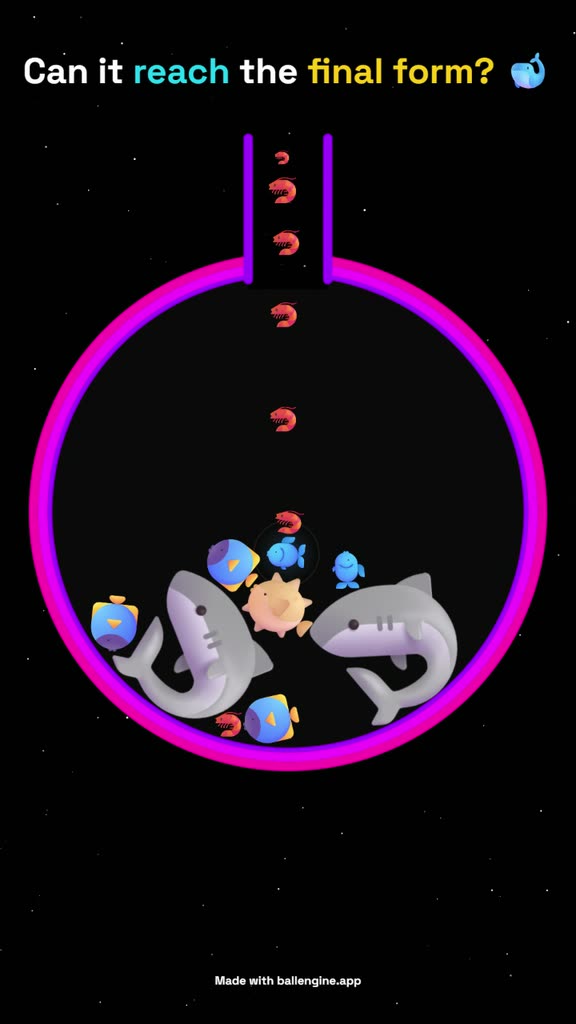
Equal pieces merge into bigger ones until the final form
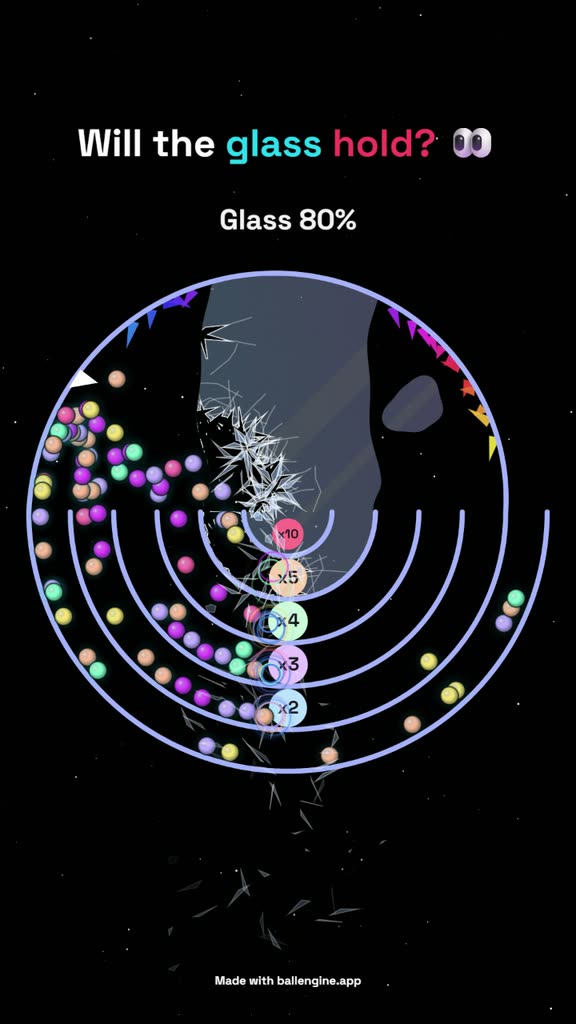
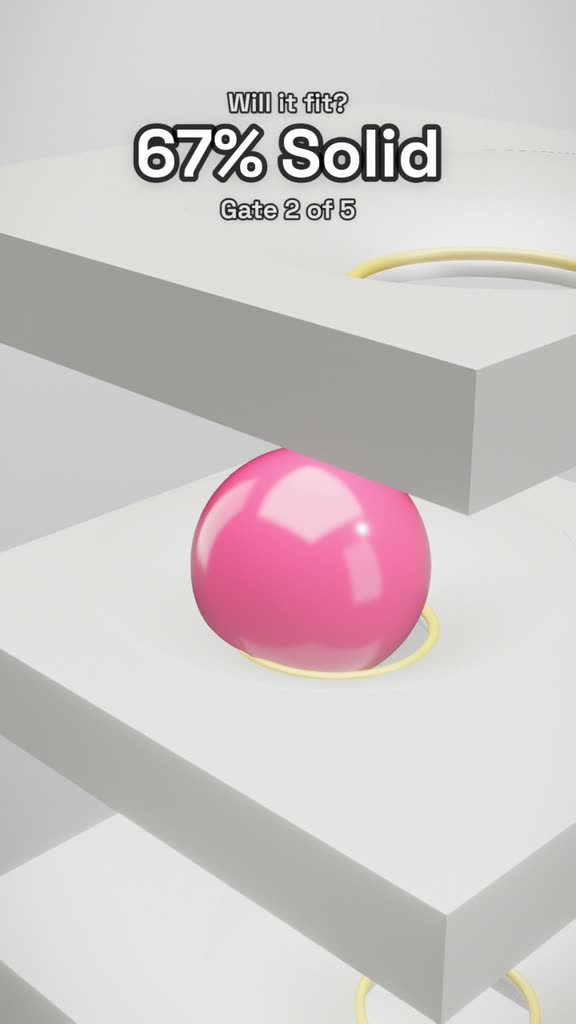
Multiplier gates flood the arena until the glass breaks
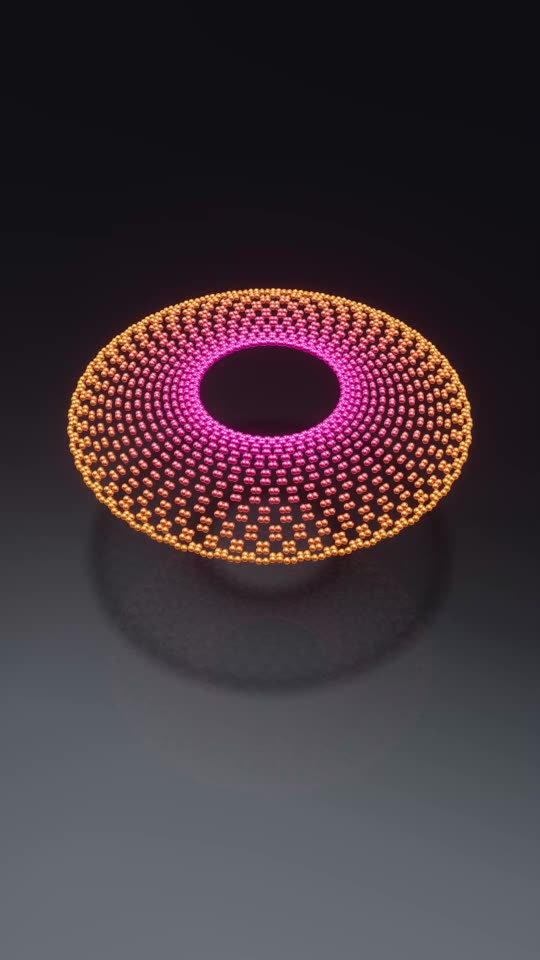
A 3D grid rippling in waves
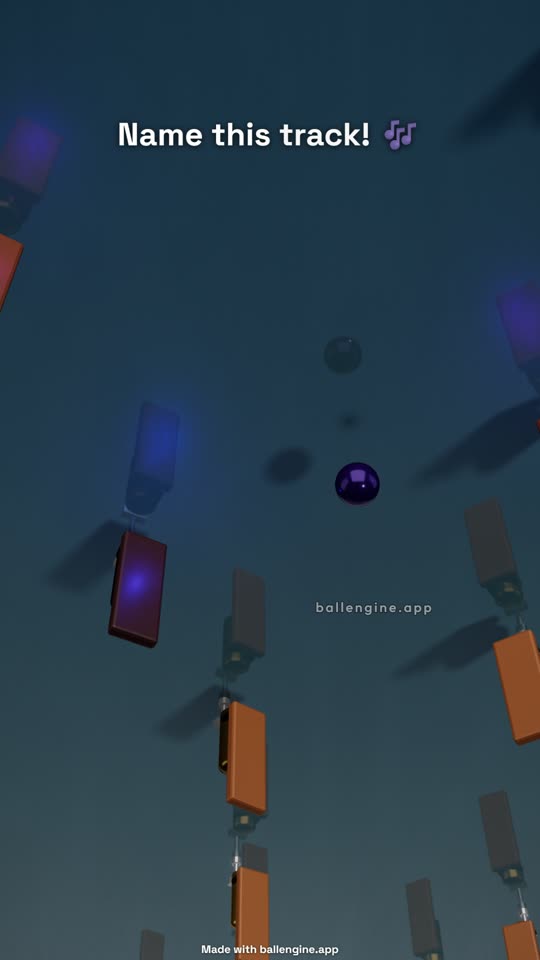
A marble plays a real instrument in sync
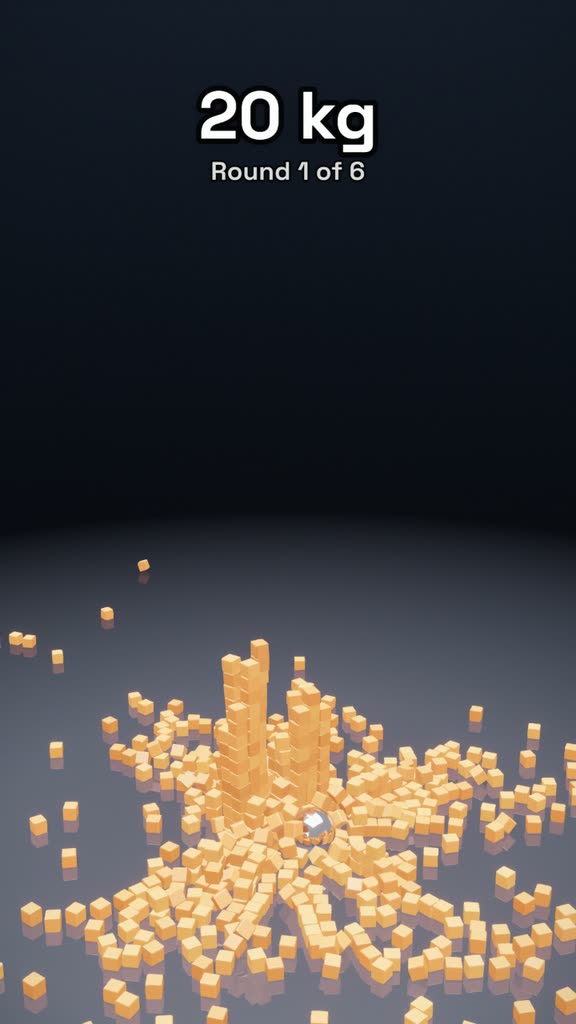
A heavier ball crushes the cubes each round
A jelly ball wobbles inside glass
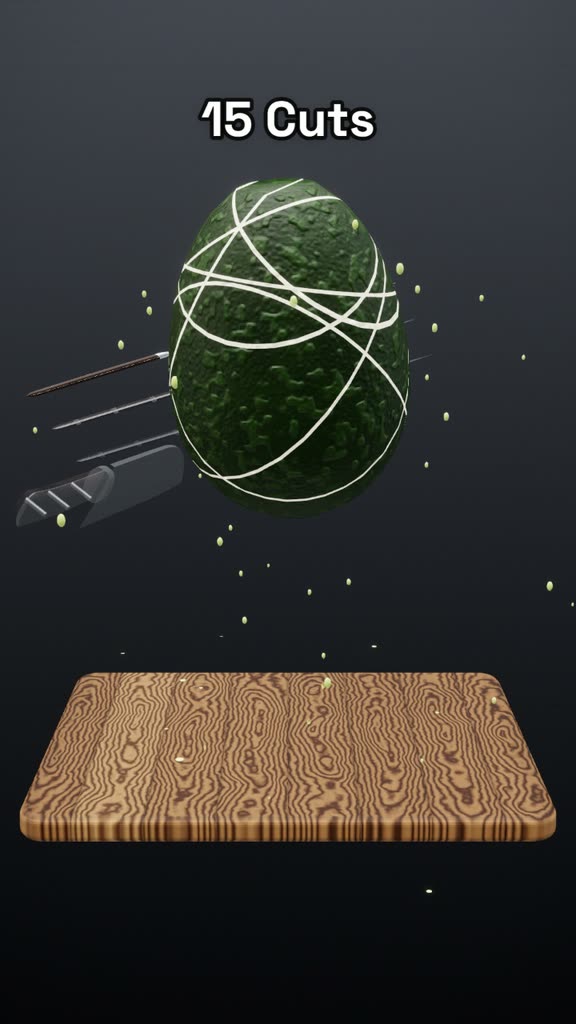
1 cut vs 40 cuts: sliced in the air, piled on the board
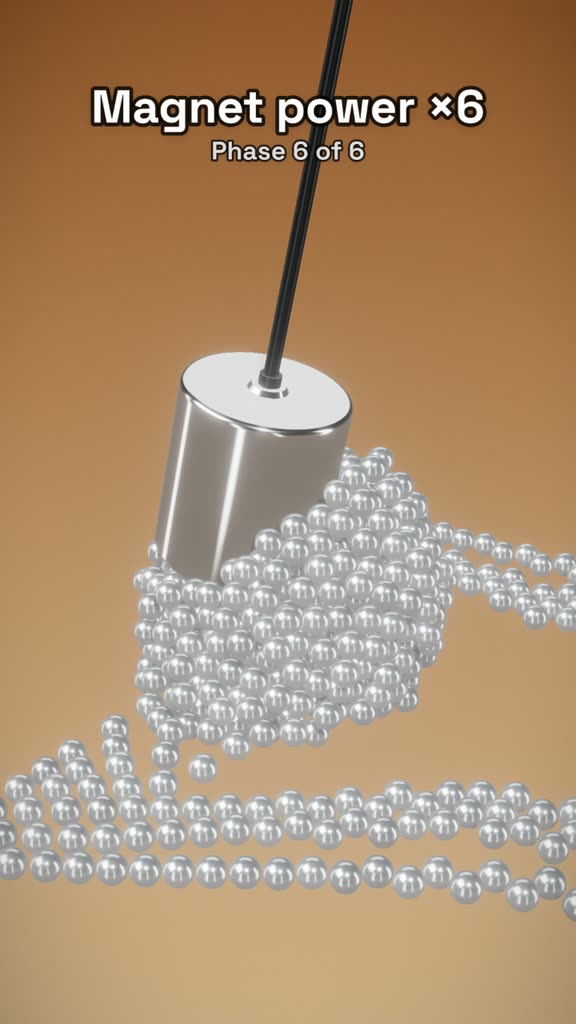
A magnet powers up until it encases itself in cubes
Pictures on a grid merge in pairs until one final form

We clip podcasts and interviews for TikTok and Shorts. Adding bouncing ball videos to the bottom of the split screen doubled our watch time. It keeps people watching to the end instead of swiping away.

After using BallEngine for a while and setting up my presets, running multiple TikTok channels got much easier. Several accounts now post every day on autopilot, and I no longer upload to each platform again and again.

Once you pick a simulation mode, it works really well. I am now monetized on TikTok, YouTube Shorts and Facebook without ever showing my face.
The physics part of a bouncing ball simulator is not difficult. Reflecting a velocity vector off a surface and applying a constant downward acceleration covers most of it, and a competent developer can build that in an afternoon. This is why there are so many free bouncing ball demos online and why almost none of them are useful for making video.
The hard part is control. A clip that holds attention needs the run to change over its duration, needs the collisions to line up with audio, and needs to end at a definite moment rather than trailing off. Those requirements are what separate a simulator you can publish from a simulator you can watch.
That is the gap this tool is built to close. Gravity and bounciness are exposed because they set the character of the motion, but so are speed build-up rate, population ceilings, size growth curves and note mapping, because those are what determine whether a finished export is worth uploading.
These two settings interact more than any other pair. Bounciness is restitution, the fraction of speed retained through a collision. At exactly 1.0 a ball returns to the same height every time. Below that it settles toward the floor of the container. Above it, the ball gains energy on every contact and the run accelerates without you setting any speed values at all.
Gravity determines how quickly the ball returns to a surface, which sets the collision rate. High gravity with low bounciness gives a fast, tight, percussive run. Low gravity with high bounciness gives long floating arcs with widely spaced impacts. If you are syncing to music, the collision rate is effectively your tempo, so it is worth setting gravity before you attach the audio.
A practical starting point for a music-synced run is gravity near the middle of its range with bounciness just under 1.0, then raising bounce randomness slightly so repeated impacts do not settle into an obvious repeating pattern.
Accumulate runs are the format most associated with bouncing ball video, and the instinct is to push the count as high as it goes. Max balls tops out at 1,000, and in a small arena the frame stops reading as individual balls well before that. Past that point you are rendering texture, and the viewer loses the thing that made the format interesting, which is watching a countable number of balls become an uncountable one.
Max balls and Wait between new balls are the two controls that shape this. The cap sets where the run plateaus, and the wait sets how fast it gets there, so the interesting middle section gets its full share of the clip. Setting both deliberately is usually the difference between a run that builds and a run that simply fills.
Every mode, released and in development, and what each one is suited to.
Map a MIDI file or a song onto collisions so the run plays the track.
Every way new balls can appear, plus the pace, cap, split and merge settings.
How this differs from BallSimulator, ViralBalls and BallTok.
Grow a channel with videos only you can make.
Start freeFree to start, no card needed. Paid plans from $19/mo · See plans